A great podcast rarely sounds perfect straight after recording. Even experienced creators need to edit awkward pauses, improve sound consistency, and shape conversations into something listeners genuinely enjoy. Whether you want to edit a podcast for YouTube, Spotify, or Apple Podcasts, strong editing can completely change how your content feels.
The good news? Modern podcast editing is faster and more accessible than ever. From beginner-friendly apps to advanced DAW systems, today’s creators have dozens of tools and software options available to help produce a clean, engaging, and professional-sounding show.
If you’re brand new to podcasting, the process may seem technical at first. But once you understand the basics of audio cleanup, pacing, and structure, learning how to edit podcasts becomes much easier.
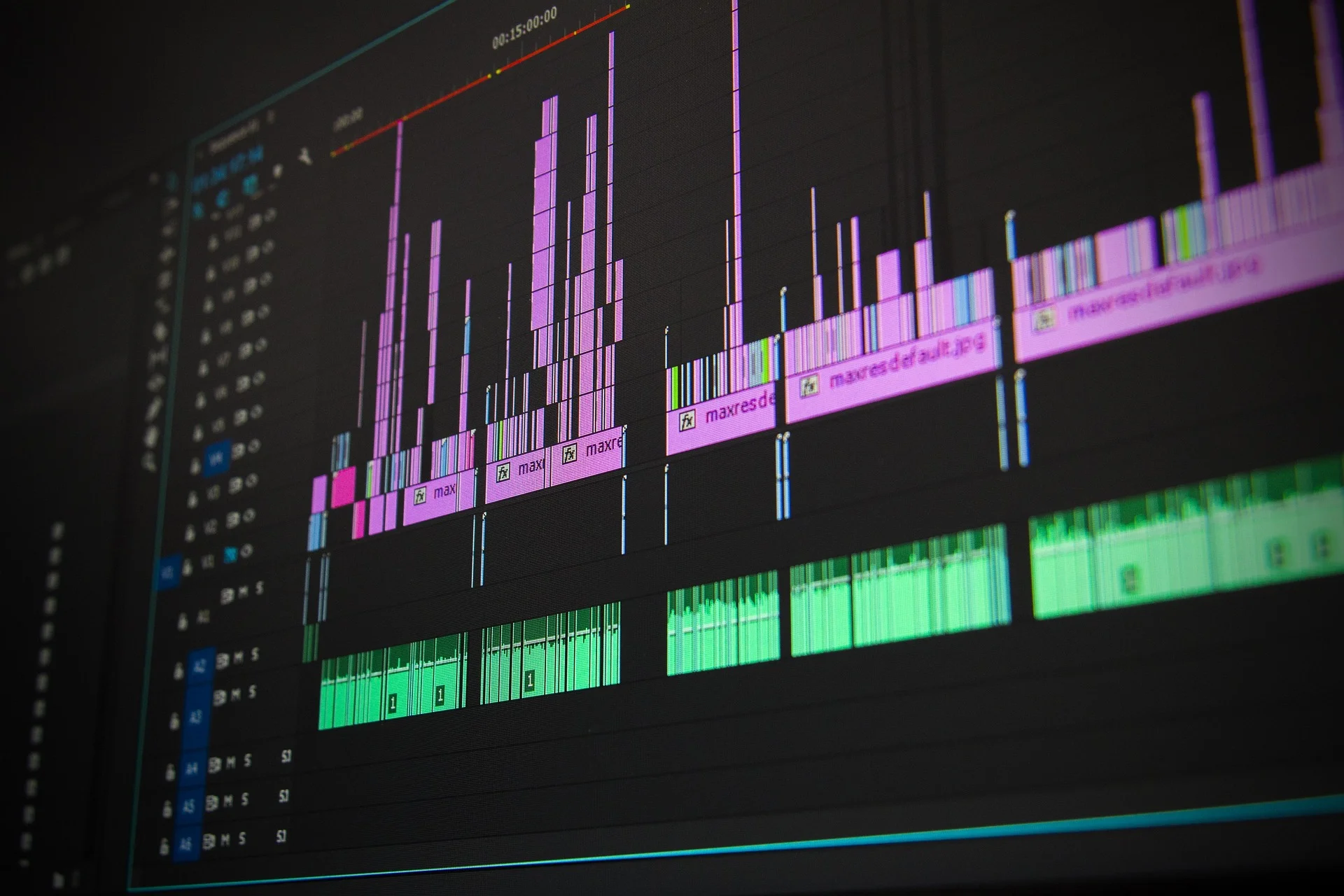
Why Every Podcast Needs Editing
Raw recordings almost always contain distractions:
- long pause moments;
- uneven volume;
- accidental interruptions;
- breathing sounds;
- keyboard clicks;
- background noise;
- repetitive filler words.
Without proper editing, even a strong conversation can lose listener attention quickly.
A polished podcast episode sounds smoother, keeps a better rhythm, and feels more professional from the very beginning and end. That does not mean every second should sound artificial – the goal is to improve clarity while keeping the conversation natural.
Good editing also helps:
- improve audio quality;
- create better pacing;
- make conversations easier to follow;
- maintain audience retention;
- strengthen your brand identity.
For modern podcasters, editing is no longer optional. It is part of effective podcast production.
The First Step: Build a Simple Editing Workflow
Before you start to edit, organize your files properly. A clean workflow saves time and prevents mistakes during post-production.
A simple process often looks like this:
- Import the original audio file
- Sync audio and video if needed
- Create a backup project
- Remove mistakes and dead air
- Apply noise reduction
- Balance levels using compression and EQ
- Add intro music, transitions, and outros
- Export the final version
Many creators underestimate how much editing time an organization can save.
Choosing the Right Podcast Editing Software
Different creators need different tools. Some prefer lightweight editors, while others rely on full-scale production environments.
Popular options include:
Audacity – Simple and Free
Audacity remains one of the best beginner-friendly tools for basic audio editing. It offers:
- multitrack editing;
- simple waveform controls;
- basic noise reduction;
- easy exporting.
It is a great option if you want a free plan without complicated features.
Descript and Modern Text-Based Editing
Descript changed the way many creators edit a podcast. Instead of editing audio traditionally, users can modify a written transcript and automatically update the audio.
This style of text-based editing is especially useful for removing mistakes, cutting sections, or quickly adjusting interviews.
Many creators love text-based workflows because they dramatically reduce hours editing long conversations.
Advanced DAWs for Professional Editing
For more advanced production, many creators choose:
- Adobe Audition
- Reaper
- Pro Tools
- Adobe Premiere
- Premiere Pro
- DaVinci Resolve
A professional DAW like Audition offers deeper control over sound design, plugins, mastering, and advanced cleanup.
These tools are especially useful for narrative shows, interviews, and even audio drama projects.
How to Remove Filler Words Without Making Audio Sound Weird
One of the most common editing mistakes is over-editing speech.
Yes, you should remove filler moments like:
- “um”
- “uh”
- repeated phrases
- accidental repetitions
But removing every tiny imperfection can make speech feel robotic.
Strong editing techniques focus on natural pacing. Sometimes a small pause actually improves rhythm and clarity.
Professional editors often zoom directly into the waveform to precisely remove filler words while preserving conversational flow.
Audio Cleanup Matters More Than Fancy Effects
Many beginner creators focus too much on transitions and effects. In reality, listeners care more about clean sound.
Good cleanup includes:
- reducing unwanted noise;
- balancing voice levels;
- removing hums or clicks;
- adjusting microphone consistency;
- improving speech clarity.
Even basic EQ and compression can dramatically improve listener experience.
If your mic recording sounds uneven, proper compression and EQ settings help voices sound fuller and more balanced.
How Loud Should a Podcast Be?
Loudness standards matter more than many creators realize.
Most major podcast platforms recommend around -16 LUFS for stereo podcasts. Correct LUFS settings help maintain consistent playback volume across devices and platforms like Apple and Spotify.
Export settings also matter:
- MP3 works well for streaming;
- WAV is ideal for archiving;
- 128 kbps is standard for spoken audio;
- 44.1 kHz remains the most common sample rate.
These small technical details help your content sound more polished.
How Long Does It Take to Edit a Podcast?
One of the most common questions in podcasting is: how long does it take to produce a polished episode?
The answer depends on:
- recording quality;
- episode length;
- editing style;
- number of guests;
- amount of filler;
- complexity of post-production.
A 60-minute conversation may require several hours to edit, especially if you need detailed cleanup and mastering.
Some creators prefer automated tools to help speed up the process. Platforms like Riverside can also record high-quality remote interviews, while tools like Alitu simplify publishing and editing workflows.
The Difference Between a Basic Show and a Good Podcast
Technical quality alone does not create a good podcast.
The best shows combine:
- strong storytelling;
- natural pacing;
- clear structure;
- consistent branding;
- smooth edits;
- engaging conversations.
Small details matter too:
- using subtle music beds;
- maintaining steady loudness;
- keeping episodes concise;
- adding recognizable podcast music.
The goal of effective editing is not perfection – it is clarity and listener engagement.
Should You Hire a Podcast Editor?
At some point, many creators realize they simply don’t have the time to manage every step alone.
Hiring a podcast editor can save hours every week while improving consistency and production quality.
This is especially useful for:
- business podcasts;
- interview shows;
- branded content;
- multi-camera productions;
- creators publishing multiple episodes weekly.
The E.V.Editor team helps creators record and edit high-quality content with faster turnaround times and more polished results.
Final Thoughts on the Podcast Editing Process
Learning to edit your podcast takes practice, but the basics become easier surprisingly fast. Whether you choose GarageBand, Audacity, Riverside, or advanced software like Adobe tools, the most important thing is building a repeatable podcast editing process.
The best creators focus less on perfection and more on consistency. Clean sound, smart pacing, and thoughtful edits can completely transform how your audience experiences your content.
With the right podcast editing software, a reliable workflow, and a bit of patience, you can make your podcast sound polished, engaging, and ready for any major platform.