A wedding film is much more than a collection of clips from one day. It is a story built around emotions, atmosphere, and the moments couples want to remember for years. Today, 3D wedding video editing helps videographers add depth, elegance, and a more cinematic feel to that story without taking attention away from the people at its center.
The best wedding films are not remembered because of flashy effects. They are remembered because they make viewers feel something. Well-designed 3D video editing can enhance those emotions by making transitions smoother, titles more elegant, and visual storytelling more immersive.
Why 3D Matters in Wedding Video Editing
When people hear «3D effects», they often imagine something dramatic or overly complex. In reality, the most effective 3D wedding video editing software is used subtly.
A floating title with the couple’s names, a gently animated invitation card, a venue map for a destination wedding, or a parallax effect that brings photos to life can all add a premium look to a wedding film.
Popular ways to use 3D in wedding videos include:
- 3D titles for names, dates, and chapter introductions;
- animated invitation cards and wedding details;
- venue maps with smooth motion graphics;
- depth effects for rings, flowers, and décor shots;
- elegant transitions between different parts of the day.
The key is balance. The audience should notice the emotions first and the effects second.
Story First, Effects Second
No amount of visual effects can replace strong storytelling.
Professional editors usually build the structure of the wedding film before adding any motion graphics or 3D elements. The footage is organized, audio is cleaned, music is selected, and the emotional flow of the story is created first.
Only then are 3D elements added to support key moments. This approach ensures that effects enhance the narrative instead of distracting from it.
A few carefully placed 3D details can transform a good wedding video into a film that feels polished, modern, and memorable.
Choosing the Right Video Editing Software
Different projects require different tools:
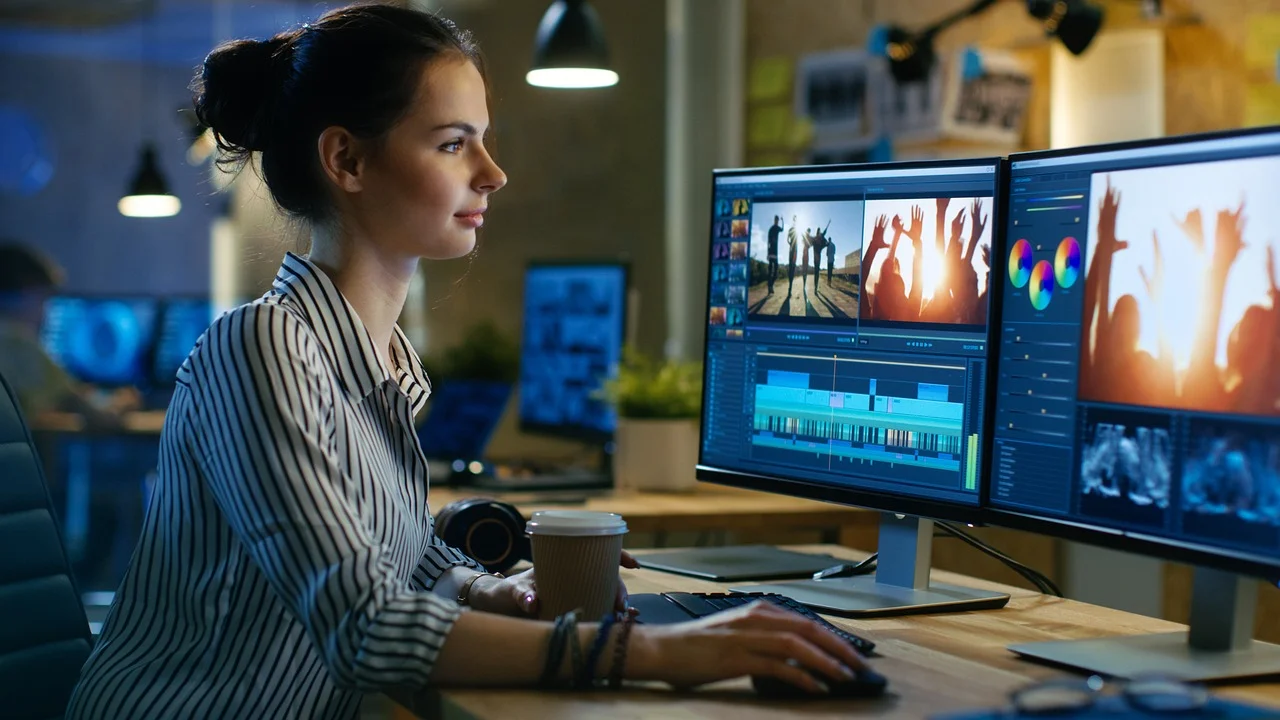
- Professional studios often rely on Adobe Premiere Pro, DaVinci Resolve, or Final Cut Pro because they provide advanced editing, color grading, and motion graphics capabilities.
- For editors who create more sophisticated 3D wedding video effects, Adobe Premiere Pro combined with After Effects remains one of the most popular workflows. DaVinci Resolve offers powerful color correction and audio tools, while Final Cut Pro is a strong option for Mac-based studios.
- For shorter social media edits, simpler tools such as Filmora, CapCut, iMovie, or Clipchamp can be enough, especially when the goal is to create quick wedding highlights or reels.
Templates, AI, and Modern Wedding Editing
Modern wedding editors increasingly use templates and AI-powered tools to speed up their workflow.
Templates can simplify the creation of animated titles, date reveals, and opening sequences. AI tools can assist with caption generation, audio cleanup, stabilization, and clip organization.
However, technology is only a support tool. It cannot replace an editor’s understanding of timing, emotion, and storytelling. The most successful wedding films still depend on human creativity and experience.
When Outsourcing Wedding Editing Makes Sense
Wedding videographers often juggle multiple projects at once. Between filming, client communication, revisions, and delivery deadlines, post-production can quickly become overwhelming.
This is where professional editing support becomes valuable.
At E.V.Editor, we work with wedding studios and videographers who need polished, emotional, and ready-to-deliver films. Our team helps transform raw footage into full-length wedding edits, teaser videos, social media cuts, and projects enhanced with tasteful 3D video editing elements.
We understand that wedding editing is not just about making footage look good. It is about preserving the rhythm of the day, keeping the story natural, and adding visual details only where they truly help.
Whether the goal is a classic wedding film or a more modern edit with subtle 3D accents, professional post-production support allows videographers to focus on filming while keeping delivery quality consistently high.
Final Thoughts
The best 3D video editing software is not the one with the most effects – it is the one that gives editors the tools they need to bring their creative vision to life.
When used thoughtfully, 3D wedding video editing can add depth, elegance, and a premium cinematic feel to a wedding film. But it works best when it supports a clear story, not when it tries to replace one.
For studios looking to streamline their workflow while maintaining exceptional quality, combining the right tools with experienced editing support is often the most effective solution. And that is exactly where E.V.Editor can help.