Most software roundups start with features. We start somewhere else: the timeline. In our work, a podcast setup proves its value after the conversation ends, when the files are handed to an editor and the real production work begins. The best podcast recording software is not simply the platform with the longest AI feature list. It is the one that gives you clean, flexible source files, protects the recording, and makes post-production easier instead of creating problems you only discover later.
That perspective comes naturally to E.V.Editor. We started as editors before growing into a full editing studio, so when we look at podcasting software, we ask different questions. Can we isolate every speaker? Are the camera files usable? Is there a backup? Can one long conversation become a polished episode and several strong clips without fighting the source material?
This guide is built around those questions. We are not trying to crown one universal winner. We want to explain what actually matters when choosing podcast recording software in 2026 — and where the software stops helping and good post-production starts.
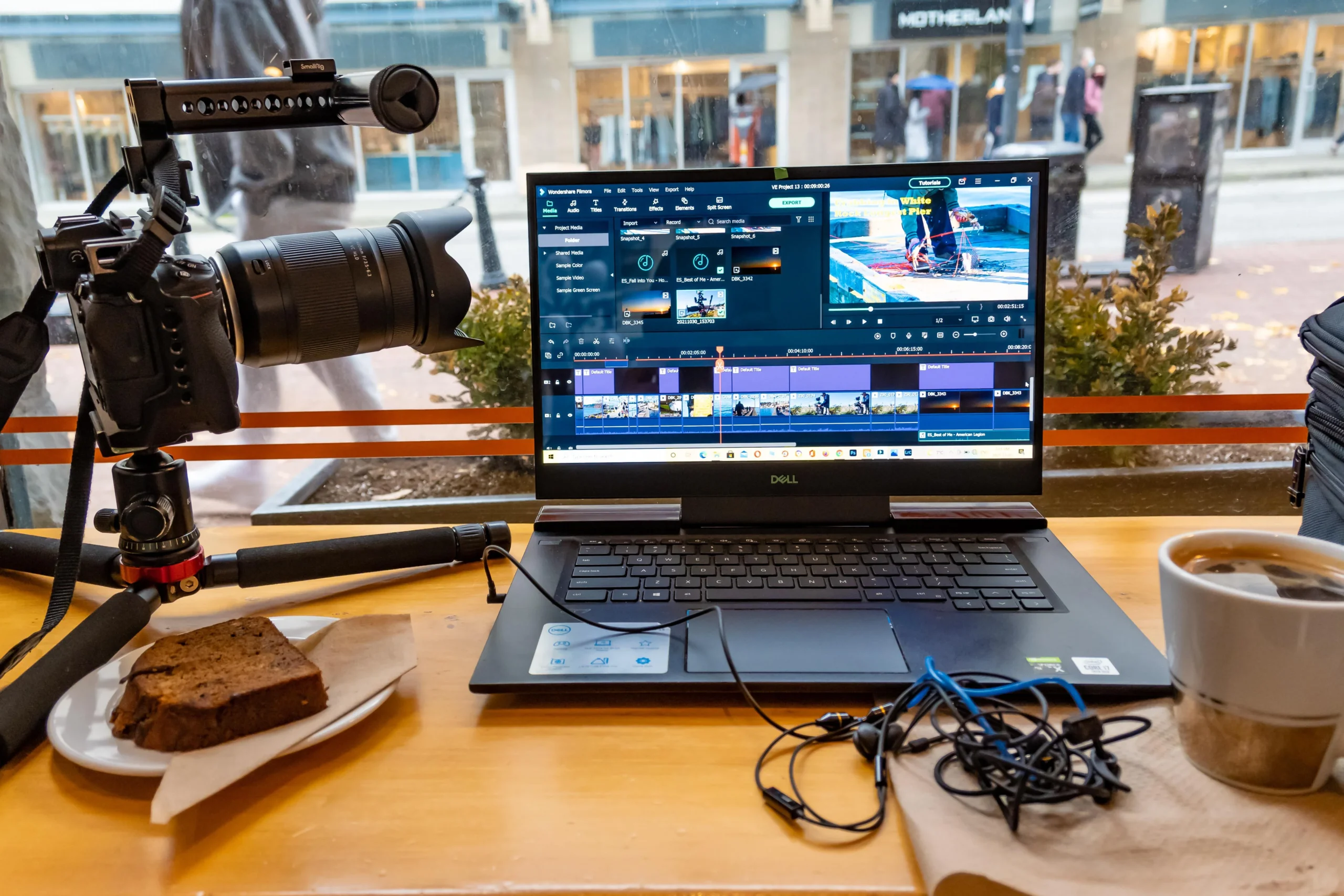
The Best Podcast Recording Starts Before You Press Record
Here is something we wish more podcasters knew: a good edit cannot fully rescue a bad source file.
We can reduce noise, balance voices, tighten pauses, improve pacing, add graphics, color-correct footage, and make a conversation feel much more intentional. But there are limits. If two people are baked into one compressed audio track, one speaker clips while the other whispers, or the only video file freezes every few seconds, the editor simply has fewer options.
Before fancy effects, we care about four things:
- separate tracks for every speaker;
- local or otherwise high-quality capture for remote recording;
- stable video recording when the show is visual;
- original files and a backup after the session.
For us, these are not “advanced” features. They are production insurance.
A good recording tool protects the conversation. A good editor shapes it.
This is also why the podcast recording software you choose matters more as a show grows. An occasional workaround may be fine for your first podcast. But when you record podcasts every week, small inefficiencies become part of the production system — and bad systems scale just as quickly as good ones.
Riverside: A Practical Choice for Remote Recording and Video Podcasts
If your format depends on guests joining from different locations, Riverside is one of the first podcast recording tools we would consider.
The reason is not its dashboard. It is what arrives in post-production.
Riverside records locally on participants’ devices and provides separate audio and video tracks, with video capture up to 4K. That gives an editor much more flexibility than working with one flattened call recording.
For recording interviews, separate tracks matter constantly. One guest can be made louder without changing everyone else. A cough can be removed from one track without cutting the host. Camera angles can be switched independently. And if the internet connection becomes unstable, local capture helps protect the underlying quality.
If you want to create a podcast that exists both as audio and as video, this becomes even more important. The same conversation may later need a YouTube episode, vertical clips, teasers, and excerpts for different platforms.
That makes Riverside a strong podcast recording platform for video podcasts and one of the best podcast recording software options when remote guests are central to the format.
It also supports transcription and screen recording, but those are secondary advantages from our point of view. We would choose it because the source material remains useful after the call ends.
So if someone asks us for the best software for podcast recording remotely, our first question is not “How many AI features do you need?” It is “What files do you want your editor to receive?”
When you record remotely, prioritize clean, independent source tracks first. Everything else is a bonus.
Descript: A Powerful Editing Tool — Especially for the First Cut
Descript solves a different problem: speed.
Its defining feature is text-based editing. The platform transcribes your recording, and you can edit the media by editing the transcript itself. Remove a sentence from the text, for example, and the corresponding section of audio or video is removed as well.
For creators handling a simple show themselves, that can be a genuinely powerful tool. If you’re new to podcasting, a transcript makes the first rough cut much less intimidating than staring at a long traditional timeline.
It is particularly useful when editing your podcast means:
- removing false starts;
- shortening repetitive answers;
- finding the strongest quotes;
- identifying filler words;
- restructuring long conversations;
- preparing clips from a longer podcast episode.
We also like transcripts for another reason: they force you to look at the content before polishing it.
Before asking whether a cut is technically smooth, you can ask a more important question: Is this part actually worth keeping?
But this is also where our editor perspective changes the recommendation. Fast does not automatically mean finished.
A transcript cannot always tell whether a pause is awkward or meaningful. It does not necessarily mean that the host’s silent reaction is more interesting than the person speaking. And deleting three unnecessary words can sometimes make a perfectly natural sentence suddenly sound edited.
That is why we see Descript as an excellent editing tool, not a replacement for editorial judgment. For some creators, it may offer the best podcast editing workflow for the rough-cut stage. For a branded show, the rough cut is only the beginning.
Adobe Podcast and Audacity: Useful Podcast Tools for Different Problems
Not every creator needs an all-in-one podcast platform.
Adobe Podcast makes sense when the biggest issue is speech quality. Enhance Speech is designed to reduce unwanted noise and improve spoken dialogue, while Adobe Podcast Studio supports remote conversations, separated participant recordings, video, and transcript-based editing. Adobe expanded its audio and video capabilities again in March 2026.
From an editor’s perspective, we see a tool like Adobe Podcast as a useful preparation or repair layer.
A guest may have recorded from an echoey room. There may be background noise you could not control. In these situations, AI cleanup can make the recording easier to work with before the real edit starts.
But there is an important distinction: cleanup is not the same as good recording.
AI can improve compromised material. It cannot perfectly reconstruct information that the microphone failed to capture in the first place.
Audacity solves a much simpler problem. It is free, open source, and works as a multitrack recorder and audio editor across major desktop operating systems.
If you record solo, Audacity can be enough to edit audio, arrange tracks, and export a clean episode.
That makes it a legitimate free podcast recording software choice for audio-first creators. People searching for podcast recording software free sometimes assume that free automatically means unusable. It does not. Audacity can be a perfectly sensible free option, particularly for recording solo episodes or straightforward spoken content.
Would we build a complex multi-camera show around it? No.
Would we use it for a simple audio format? Absolutely.
The point is not to find the best free podcast recording app in isolation. It is to match the software to the actual job.
The Best Podcasting Tools Do Not Have to Live in One App
One of the loudest promises in modern podcasting is “everything in one place.”
Recording and editing. Transcription. Clips. Publishing. Analytics. Monetization.
It sounds ideal — and sometimes it is useful.
Zencastr is moving strongly in this direction. Its current platform combines high-quality audio and 4K video recording with editing, transcription, hosting, clips, and multi-platform distribution.
For a smaller content team, that can make it an attractive podcast maker tool and a useful podcasting tool.
Spotify for Creators handles another part of the workflow. Its strength is primarily as a podcast hosting platform, offering hosting, distribution, analytics, audience tools, and monetization features.
That makes it relevant when you are thinking about best podcast hosting, but it solves a different problem from professional software for recording.
And that distinction matters.
From the post-production side, we have learned not to confuse convenience with quality.
Sometimes the best podcasting tools are several focused tools connected by one clean process: Riverside for capture, Descript for a transcript or first assembly, professional editing software for the final version, and a podcast host for publishing.
That stack sounds less exciting than “one platform does everything.” In practice, it can give you more control.
When comparing best podcast tools and different software options, ask:
- Can I download my original files?
- Can another editor take over this project easily?
- Are individual speakers available separately?
- Can I move to different hosting tools later?
- Does the platform simplify my workflow — or lock it inside its automation?
A good podcast maker should make production easier without making the content dependent on one ecosystem.
What Podcast Recording Software Cannot Do for You
This is the part most software lists miss.
No podcast software can reliably decide what the audience should feel at minute 18.
It may detect silence, but it cannot always know whether that silence is dead air or the most human moment in the conversation.
It can remove filler words, but it may not understand that an imperfect sentence sounds more honest.
It can switch cameras automatically, but it does not necessarily know when the host’s reaction tells us more than the guest’s answer.
That is the difference between recording and editing and actual podcast production.
For audio, post-production can mean pacing, level matching, music, structure, sound design, and knowing what not to cut.
For a video podcast, the decisions multiply: camera selection, reframing, visual pacing, color, graphics, captions, B-roll, sound design, and the relationship between what we hear and what we see.
This is where the experience of the E.V.Editor team fits naturally into the conversation.
We are not trying to convince creators that our software is better. We do not sell software. Our work begins with the material created by these production tools and turns it into a finished story. E.V.Editor’s own workflow is built around structured editing, sound work, color, style matching, review, and platform-ready delivery rather than simply cutting isolated clips.
And that is precisely why we care about how the material was recorded.
Better source files give an editor more creative options. More options mean fewer technical compromises.
If you already know how to record a podcast but lose hours every week in editing and production, another subscription may not be the answer. Outsourcing post-production can solve a different problem: turning every conversation into consistent content without requiring the host to spend evenings inside video editing software.
The value is not simply “someone edits the video.” It is a repeatable production process.
The Podcast Workflow We Would Recommend to Most Creators
If someone asked us how to start a podcast today, we would recommend a simpler stack than most software roundups do.
First, plan your podcast around the audience and format — not the app.
Is it audio-first or video-first? Will guests join remotely? How often will you publish? Does every long episode also need Shorts, Reels, or TikToks?
Only then choose the tools.
A practical workflow could look like this:
- Start with reliable recording and editing tools, but prioritize separate source tracks during capture.
- Keep every original recording and a backup.
- Use text-based editing for a transcript or rough cut when it genuinely saves time.
- Record and edit your podcast as separate stages when deeper finishing is required.
- Move the final material into professional editing software like Premiere Pro, DaVinci Resolve, Audition, or Pro Tools when the format demands more control.
- Add dedicated audio editing tools and video production tools only where they improve the result.
- Complete the main editing process before creating a dozen derivative clips.
- Use a suitable podcast host to publish and distribute your podcast.
- Turn the strongest ideas into social content to promote your podcast.
This separates capture, editing and production tools, and distribution because each stage has a different job.
For a first podcast, keep the stack simple.
If you are launching a podcast for a brand, company, or expert, think one step further. A 60-minute conversation does not have to produce only one piece of content. The same material can become a full episode, vertical videos, teasers, quote-led clips, social posts, and campaign assets.
That is where professional video editing stops being merely the final technical task and becomes part of a broader content system.
So, What Is the Best Podcast Recording Software in 2026?
There is no single winner — and that is our actual answer.
For remote, video-first conversations, Riverside is one of our strongest choices because it gives editors flexible separate source tracks.
For fast transcript-driven rough cuts, Descript is one of the most useful podcast editing software options.
Adobe Podcast can help improve difficult speech.
Audacity remains a serious free podcast audio solution.
Zencastr makes sense if an integrated creation-and-publishing workflow matters to you.
Spotify for Creators becomes relevant when distribution and best podcast hosting matter more than capture.
If you are new to the podcasting world, do not choose by feature count. Choose based on the weakest part of your current process.
If guest recording is unreliable, fix capture first.
If every edit takes all weekend, fix post-production.
If publishing is chaotic, simplify hosting.
If the long-form show is good but almost nobody discovers it, build a system to repurpose and promote your podcast.
That is how we think about the best podcast workflow at E.V.Editor: not as a collection of apps, but as one connected production process.
Because podcasting continues to grow, individual tools will keep changing. Your workflow should be able to change with them.
The best podcast recording software is ultimately the one that captures a strong conversation without limiting what can happen next.
And if your podcasting journey eventually grows from one microphone into a weekly multi-camera show, that is a good problem to have. The goal is not to own every app or chase whatever promises the next top podcast setup.
The goal is to build a popular podcast people actually want to return to — and to give post-production enough good material to make the finished episode better than the raw recording.